Why use an eSIM in Japan instead of roaming?
Because arrival day in Japan is easier when your phone already works.
Japan is efficient, but it can feel fast-moving on the ground. Airport transfers, train connections, station exits, hotel check-in, translation, and booking confirmations often happen within the same few hours. A travel eSIM helps you land with working data instead of depending on airport counters, expensive roaming, or inconsistent public Wi-Fi.
- More predictable cost: prepaid data can be easier to manage than post-trip roaming charges.
- Faster arrival: buy before departure and skip extra setup stress after landing.
- Useful in major cities: Tokyo, Kyoto, and Osaka all involve regular map and transit checks.
- Better for train-heavy trips: route changes, station navigation, and translation apps are easier with live data.
- Dual SIM flexibility: keep your regular SIM active for calls or texts while using eSIM for data.
Why Airalo is a strong choice for many Japan trips
A practical fit for travelers who want simplicity more than complexity.
This page recommends Airalo mainly for travelers who want a straightforward setup. It is a strong fit when your goal is to get prepaid data working quickly without overcomplicating the buying process.
How much data do you need for Japan?
Choose based on trip style, not guesswork.
Japan data usage depends less on the country itself and more on how you travel through it. A short city break with hotel Wi-Fi needs less than a multi-city trip built around trains, daily route checks, restaurant research, translation, and constant uploads.
| Trip type | Suggested data level | Typical usage |
|---|---|---|
| 3–5 day city trip | Small | Maps, messaging, translation, ticket checks, light browsing |
| 7–10 day multi-city trip | Medium | Daily navigation, train apps, restaurant research, moderate social use |
| Heavy-use traveler | Large | Frequent photo uploads, streaming, cloud backup, hotspot |
| Remote work / tethering | Larger plan | Video calls, laptop hotspot, heavy daytime data use |
How to choose the right Japan eSIM plan
Match the plan to your route, pace, and phone habits.
Not every Japan trip uses data the same way. Someone staying mostly in Tokyo with reliable hotel Wi-Fi may need less data than someone moving between Tokyo, Kyoto, and Osaka while checking maps, transfer routes, train times, and neighborhood recommendations throughout the day.
Simple way to decide
- Light use: maps, messaging, occasional translation, restaurant lookups.
- Moderate use: daily navigation, bookings, reviews, regular app use, some uploads.
- Heavy use: hotspot, streaming, remote work, cloud backup, frequent social posting.
eSIM vs pocket WiFi in Japan
The best option depends on how simple you want the trip to feel.
| Option | Best for | Main downside |
|---|---|---|
| eSIM | Solo travelers, fast setup, arrival convenience, no extra device | Your phone must support eSIM and be ready for activation |
| Pocket WiFi | Sharing one connection across multiple devices or travelers | Extra device to carry, charge, and return |
| Traditional roaming | People who want zero setup before the trip | Can become expensive and less predictable |
For most individual travelers, eSIM is the cleaner choice because it removes one more device from your bag. Pocket WiFi can still make sense for families or travelers who want one shared connection across several devices.
How to install a Japan eSIM before departure
Do this at home on Wi-Fi so arrival day feels smoother.
- Check compatibility: confirm your phone supports eSIM and is ready for activation.
- Buy your plan: choose a data size that matches trip length and usage style.
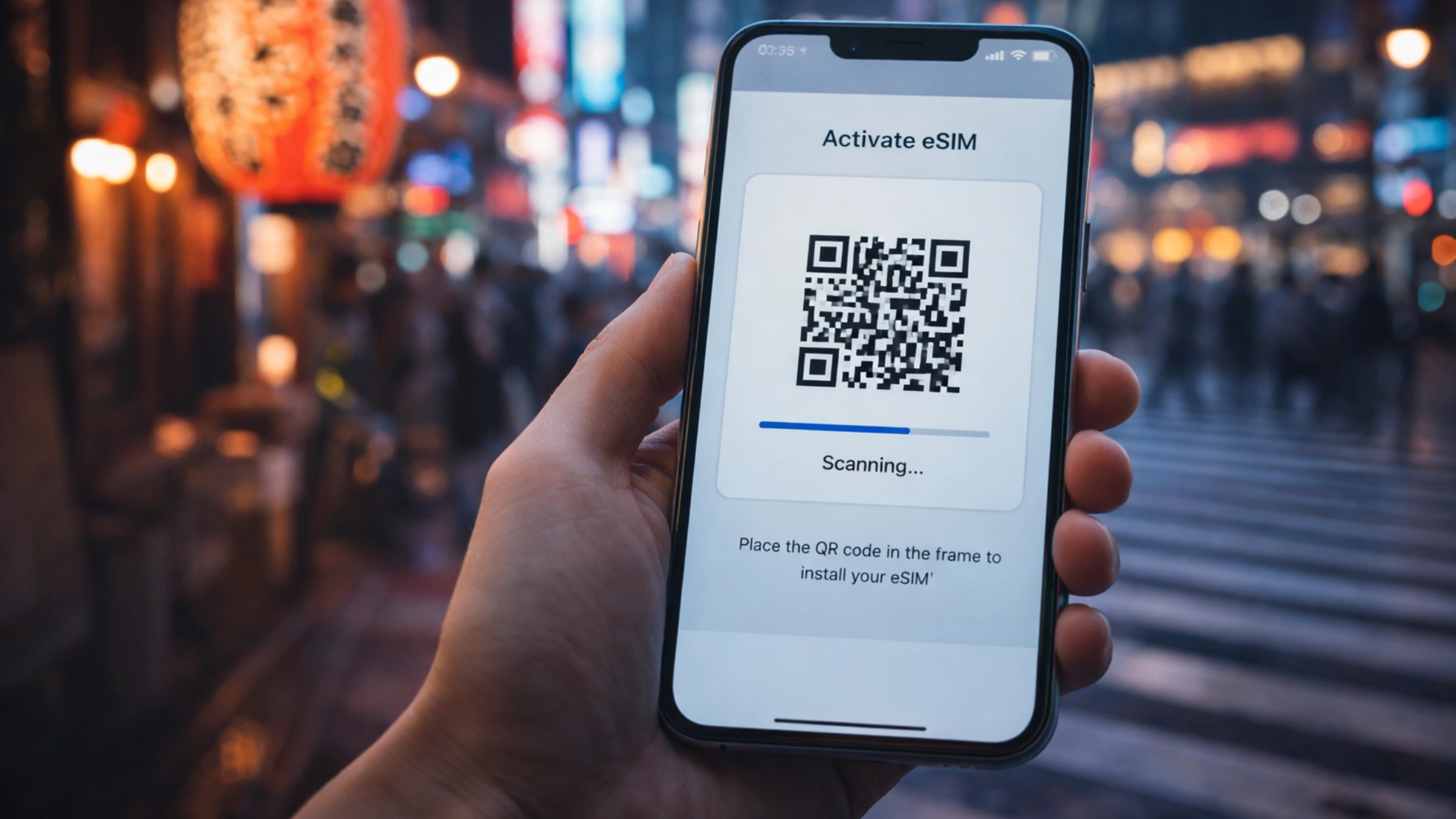
- Install the eSIM: follow the provider steps in the app or via QR code.
- Label your lines clearly: name your eSIM something obvious like “Japan Data.”
- Set the eSIM as your data line: keep your main SIM for calls or texts if needed.
- Turn off roaming on your main SIM: this helps avoid accidental charges.
- Activate on arrival: turn the eSIM line on when you land and test data first.
Common Japan eSIM mistakes to avoid
Most problems come from settings, not the destination.
- Wrong data line selected: the eSIM is installed, but your main SIM is still handling data.
- Roaming left on for the primary SIM: this can trigger unexpected charges.
- Installing too late: doing everything after landing adds unnecessary stress.
- No compatibility check: always confirm your device supports eSIM before buying.
- Underestimating usage: train apps, maps, and translation can use more data than expected on active travel days.
Best practices for mobile data in Japan
Small preparation steps that help a lot once the trip starts.
- Download offline maps: useful backup for stations, neighborhoods, and late arrivals.
- Save key addresses: hotel, airport transfer point, first station, and first major stop.
- Download translation packs: especially useful for menus, signs, and quick conversations.
- Charge smart: maps, route apps, and translation can drain battery quickly on long travel days.
- Check the route before going underground: major stations can be easier when your next step is already loaded.
- Keep booking confirmations accessible: rail tickets, hotel details, and QR-based travel confirmations are easier to manage with live data.
Who this Japan eSIM guide is best for
Best fit for travelers who want a clean, low-friction setup.
Ready to avoid roaming fees in Japan?
Choose a plan that matches your trip style, install it before departure, and land in Japan with your mobile data ready for maps, translation, and train navigation.
Get your Japan eSIMDisclosure: Some links may be affiliate links. If you purchase through them, TripGuidely may earn a commission at no extra cost to you.
FAQ
What is the best eSIM for Japan in 2026?
For many travelers, Airalo is a strong option because it is simple to buy online, quick to install, and practical for maps, translation, and everyday travel data in Japan.
How much data do I need for Japan?
Maps, messaging, translation, and basic browsing can work with a smaller plan for shorter trips. If you expect frequent uploads, hotspot use, streaming, or remote work, choose a larger plan.
Can I install the eSIM before landing in Japan?
Yes. Install it on Wi-Fi before your trip, then activate it when you arrive. That is usually the smoothest setup.
Is eSIM better than pocket WiFi in Japan?
For solo travelers and simple setup, eSIM is often easier because there is no extra device to carry or charge. Pocket WiFi can make more sense when several devices need to share one connection.
Do I keep my regular SIM active?
Usually yes. Keep your primary SIM for calls or texts if needed, set the eSIM as your data line, and turn off data roaming on your primary SIM to avoid accidental charges.
Disclosure
Disclosure: TripGuidely may earn commissions from qualifying purchases. This supports the site and helps keep guides updated.